

Staff & Permissions Management Overview
The Staff & Permissions Management system in WaanKit CRM empowers organizations and brands to collaborate securely. Organization owners can invite team members, assign granular permissions, and control access across workspaces.
Role-Based Access Control (RBAC Matrix)
WaanKit provides three primary administrative roles:
| Role | System ID | Description & Responsibilities | Restrictions |
|---|---|---|---|
| Owner | 0 |
Full Root Privileges: Manages billing, subscription packages, company profile, all branches, and member invitations/roles/deletion. | None (Full Access) |
| Manager | 1 |
Operational Management: Manages store branches, creates & edits Smart Links, Dynamic QR codes, designs landing pages, and views analytics reports. | Cannot manage billing, company legal details, or delete Owners. |
| Data Analyst | 4 |
Read-Only Analytics: Access to Analytics Dashboards, time-series metrics, heatmap visualizers, and Excel report exports. | Cannot modify links, branches, or settings. |
[!NOTE] Strict access controls (
UseRights allowed={[0]}) ensure that only Owners have access to the "+ Invite Staff", "Resend Invitation", and "Delete Staff" actions.
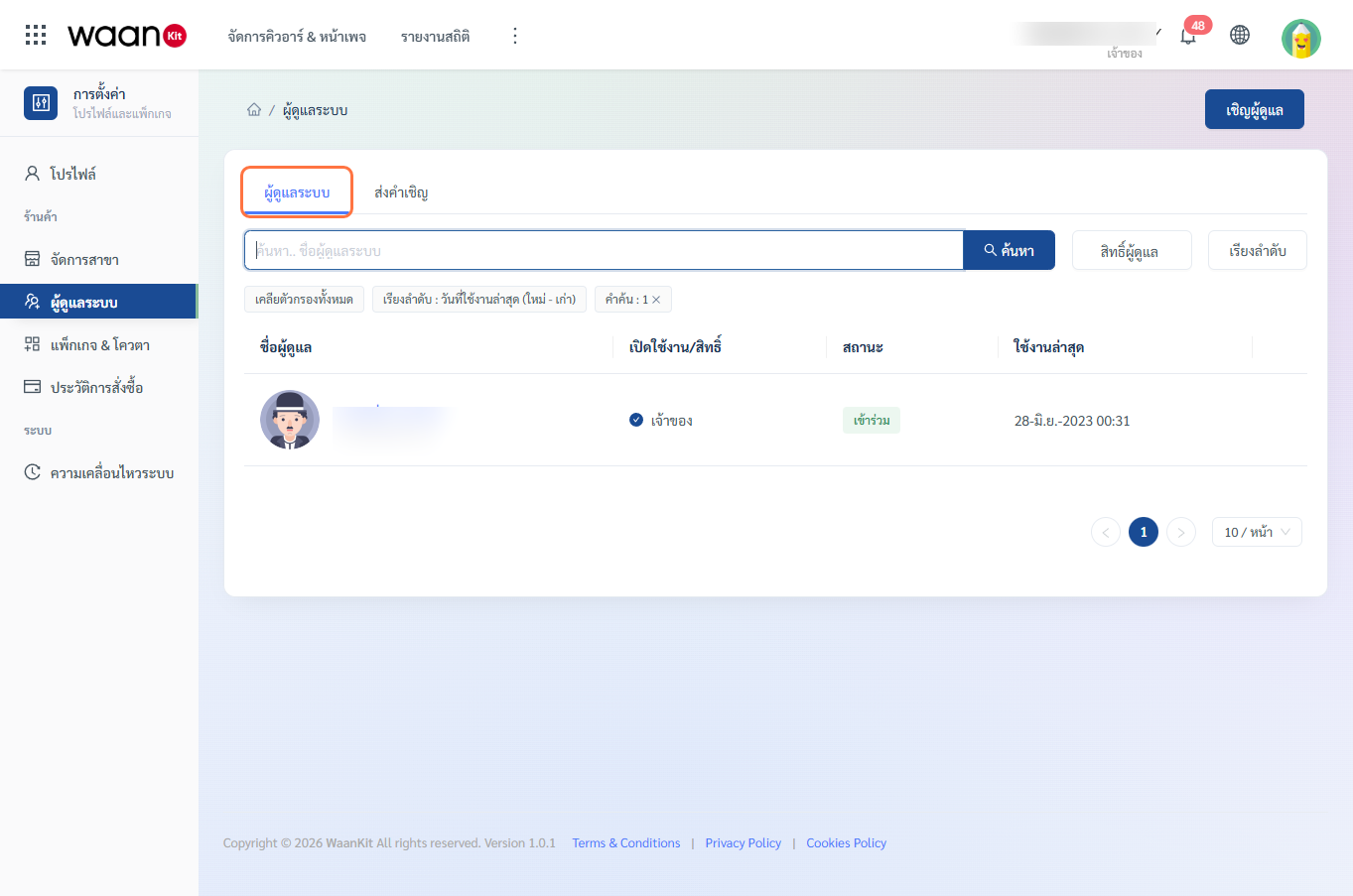
Screen Breakdown (/app/setting-shop/staff/staff-list)
Navigating to "Staff List" in the sidebar provides the following interface elements:
1. Status Tabs
- "Admin Staff" Tab:
Displays all active members who have accepted the workspace invitation (
status = true). - "Invitations" Tab:
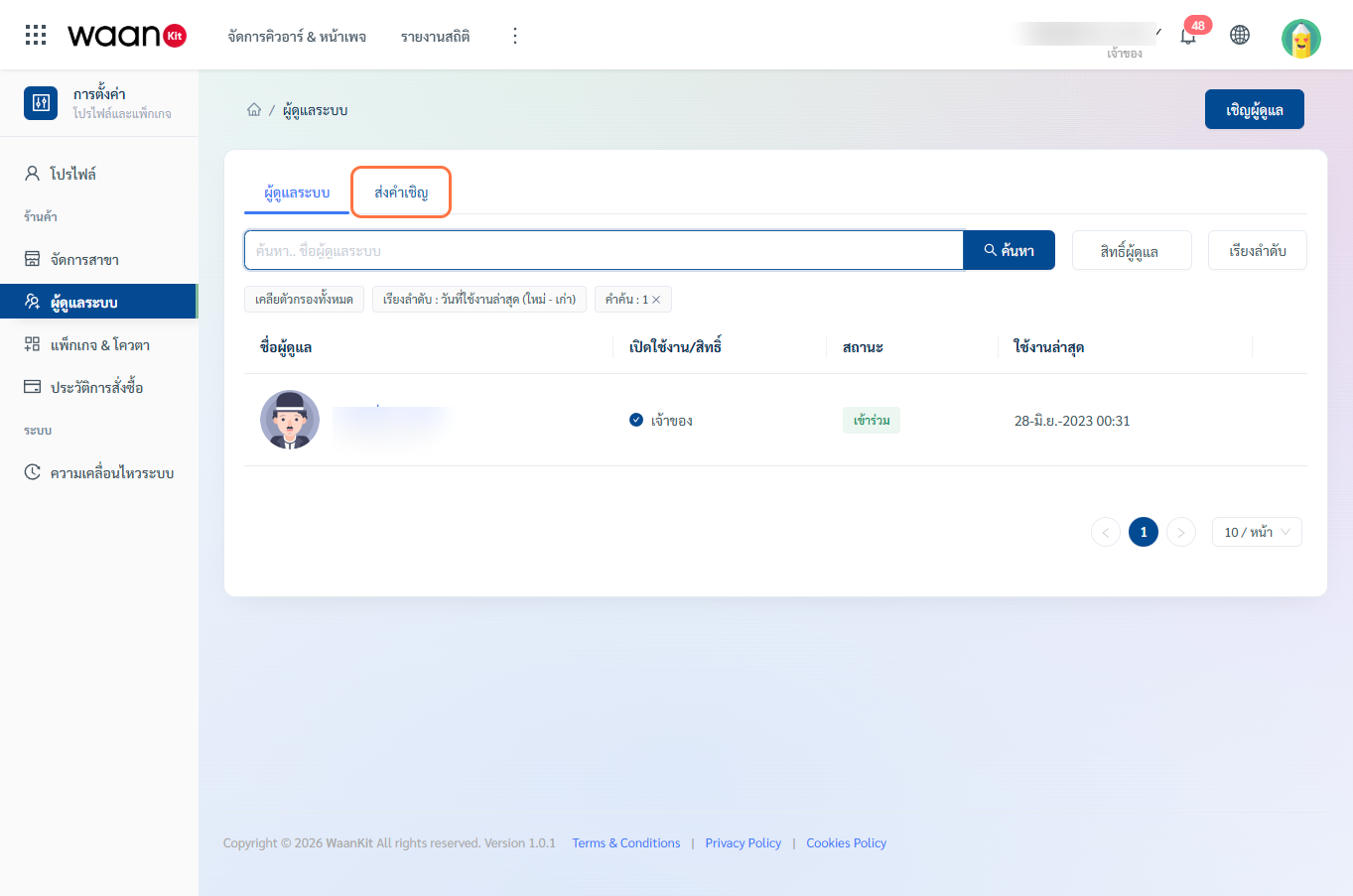 Displays pending invitations awaiting confirmation (
status = false), with quick actions to resend or delete.
2. Search & Filter Bar
- Keyword Search: Search administrators by first name in real time.
- Admin Rights Filter:
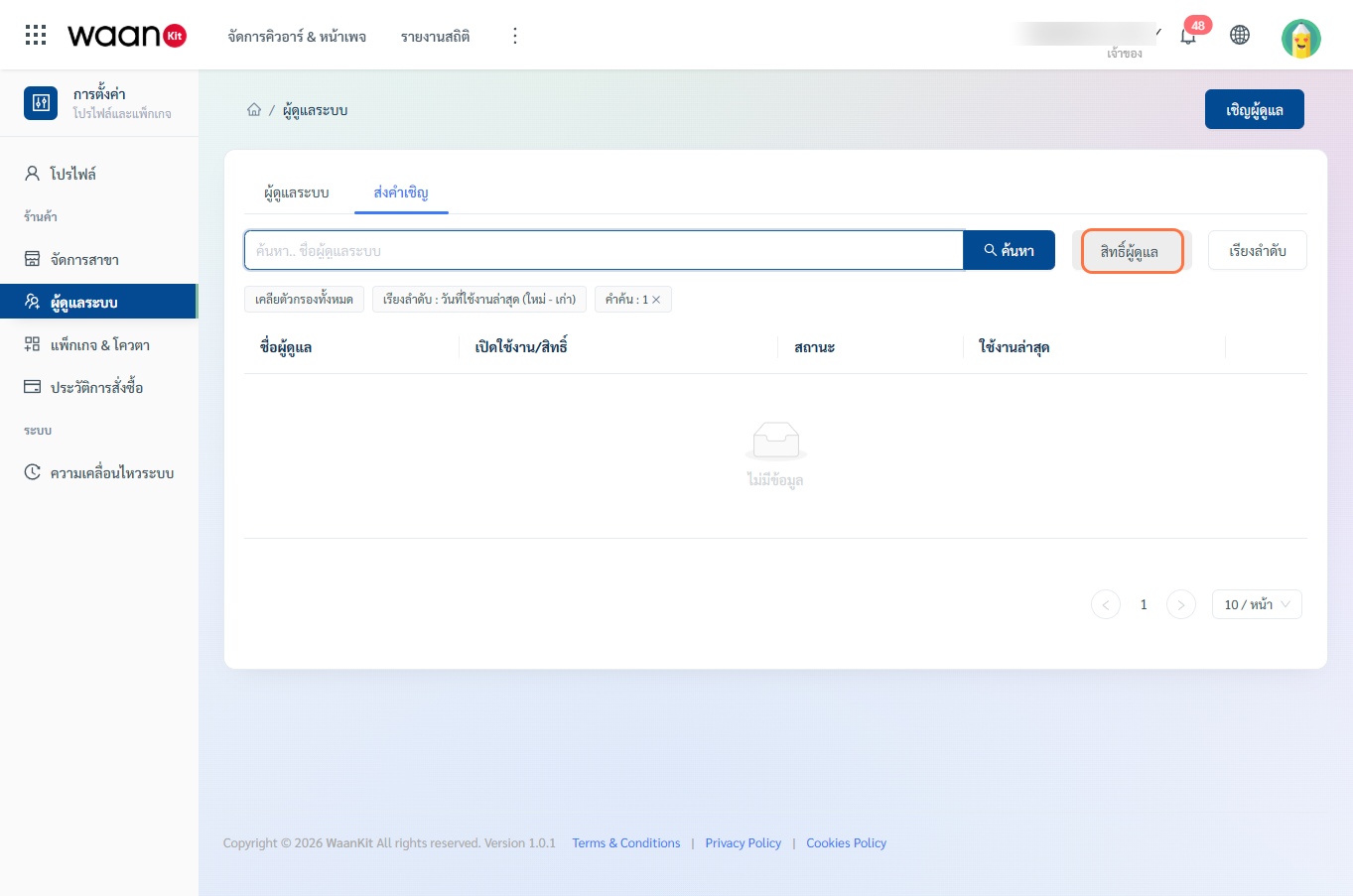 Filter the table by one or more specific roles (Owner, Manager, Data Analyst).
 - Sorting Options:
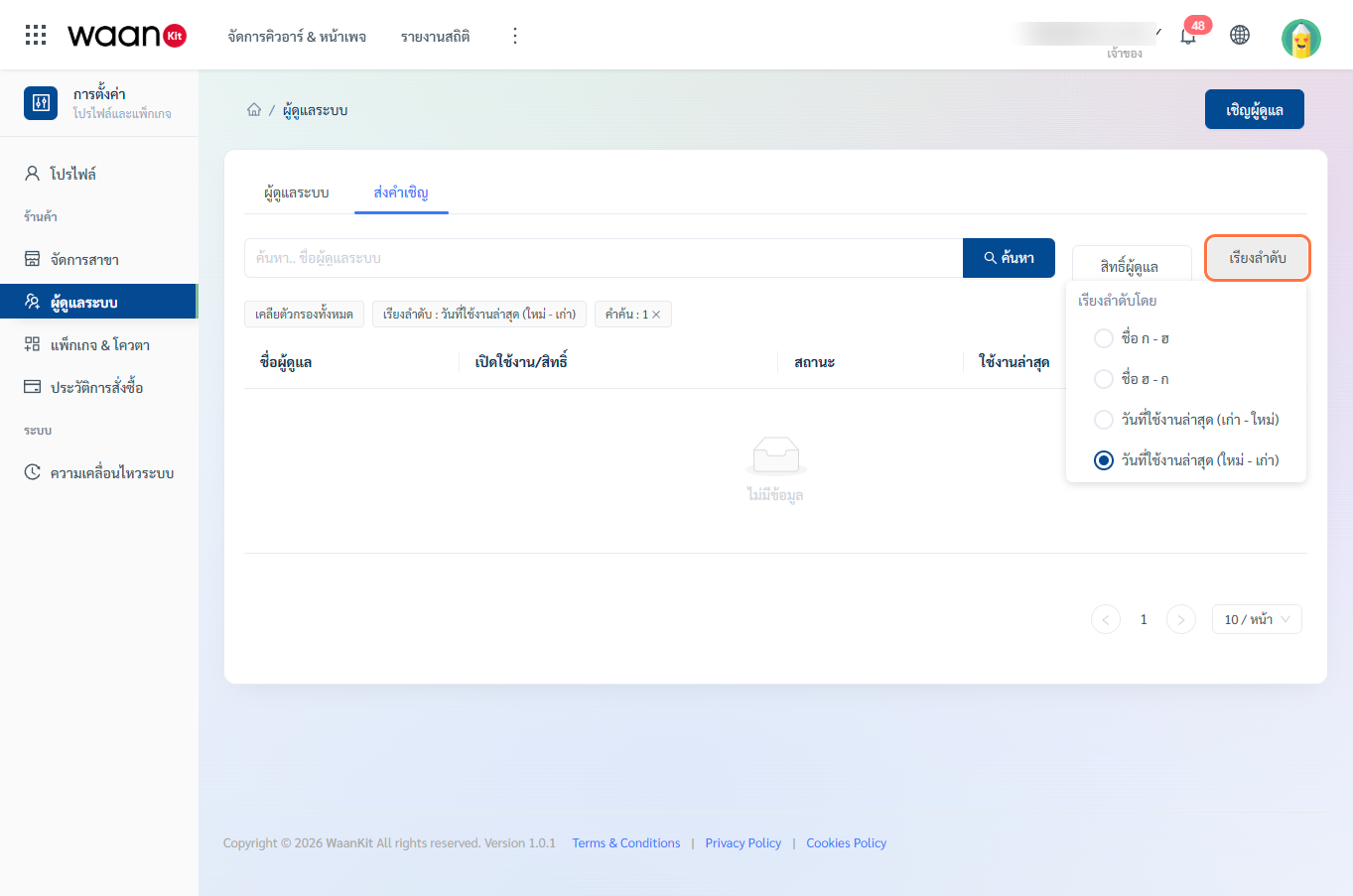
- Name A - Z / Name Z - A
- Join Date Newest - Oldest / Oldest - Newest
3. Staff Data Table
- Displays avatar, member name, email, role badge, and join date.
- Owners can click any row to edit member roles or change access status.
4. Audit Movement Logs
All member management activities including invitations, role changes, and account suspensions are automatically recorded in the Personal Movement Logs.