

Branch Management Overview
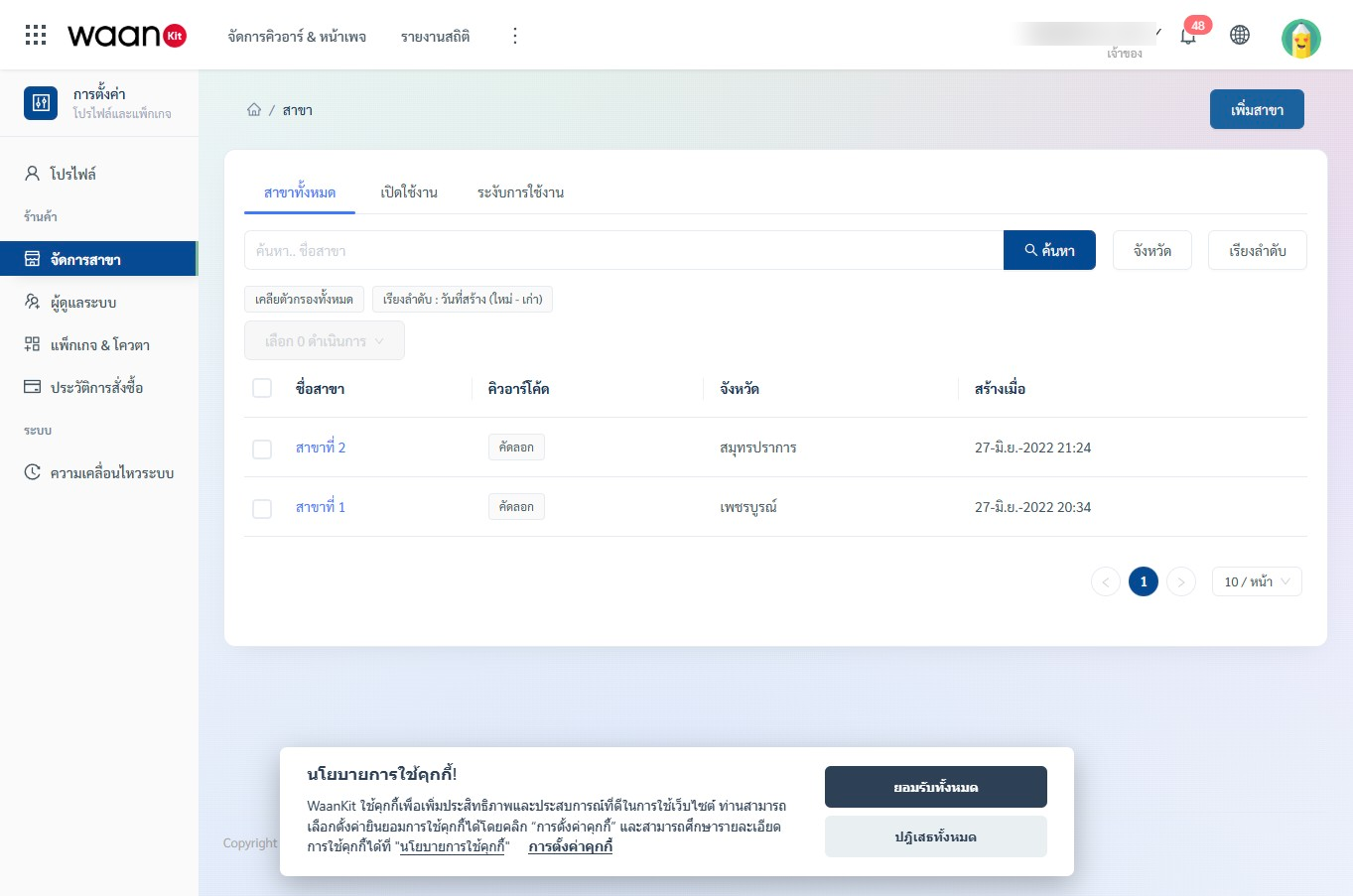
The WaanKit CRM Branch Management module is designed for multi-location businesses, retail stores, restaurant chains, and service centers. It provides centralized control over physical store branches with direct connections to Dynamic QR Codes, Customer Feedback Forms, and BI Analytics Dashboards.
Key Capabilities
- Centralized Multi-Store Management: Organize physical branches with numeric codes (1–5 digits) and geographical provinces.
- Real-time Status Toggles: Instantly switch branch status between Active (Enabled) and Suspended without deleting data records.
- Dedicated Customer Feedback Links: Each branch is assigned a unique customer feedback URL that can be embedded into table-top QR codes or NFC smart touchpoints.
- Smart Search & Multi-Province Filters: Search branches by keyword and filter by up to 5 provinces simultaneously via the filter side drawer.
- Bulk Actions: Select multiple branches and perform batch deletion operations with one click.
Screen Layout (/app/setting-shop/branch/branch-list)
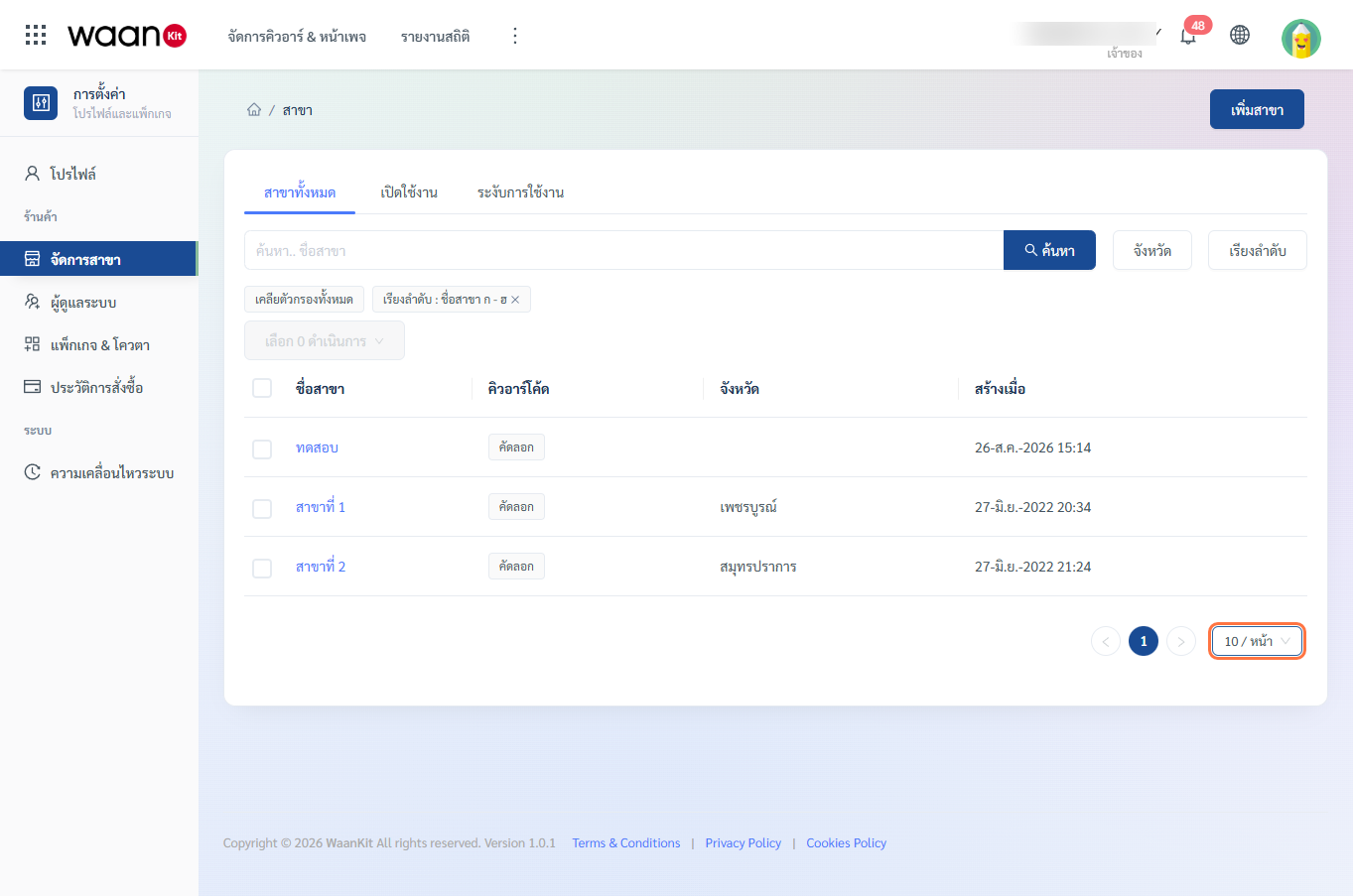
Navigating to Settings > Branch Management presents 4 primary zones:
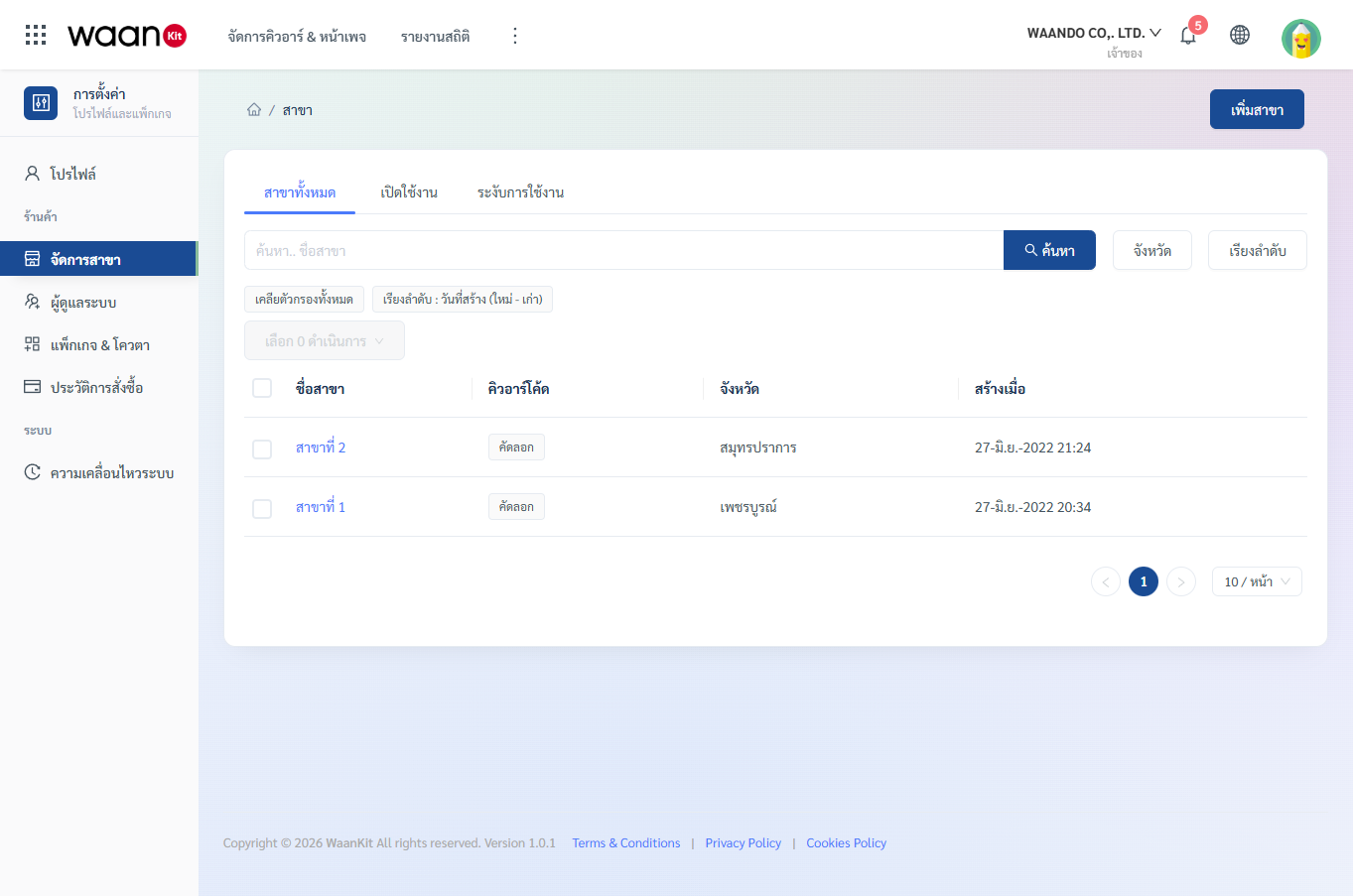
- Status Tabs:
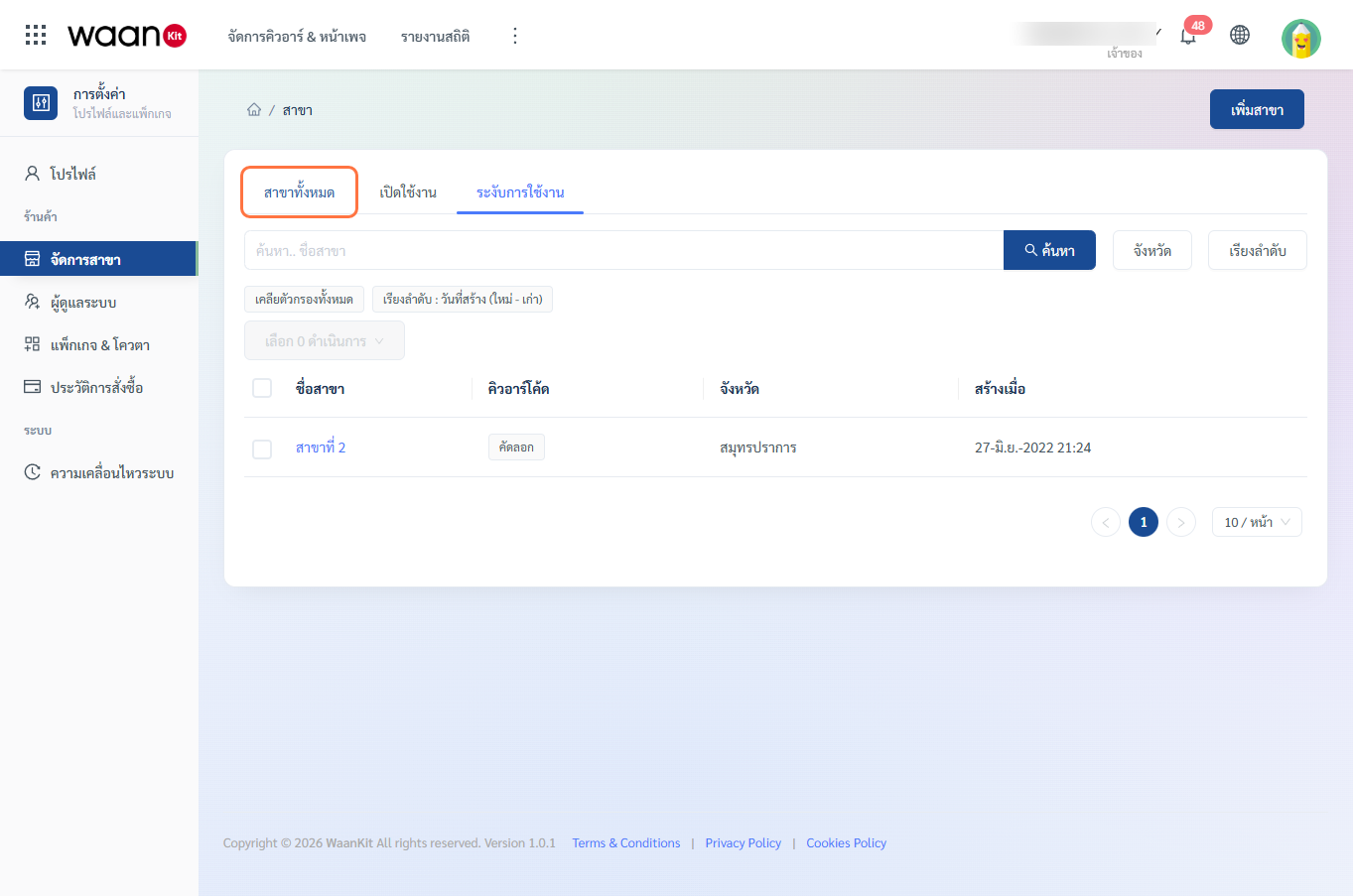
- All Branches: View all registered branches regardless of status.
- Enabled: Filter active branches (
status = true). - Suspended: Filter temporarily closed or inactive branches (
status = false).
- Search & Filter Bar: Keyword search input, Province Filter drawer trigger, Sort-by dropdown, and Clear Filter button.
- Branch Data Table: Displays Branch Name (clickable for editing), QR Code copy button, Province, and Creation Date.
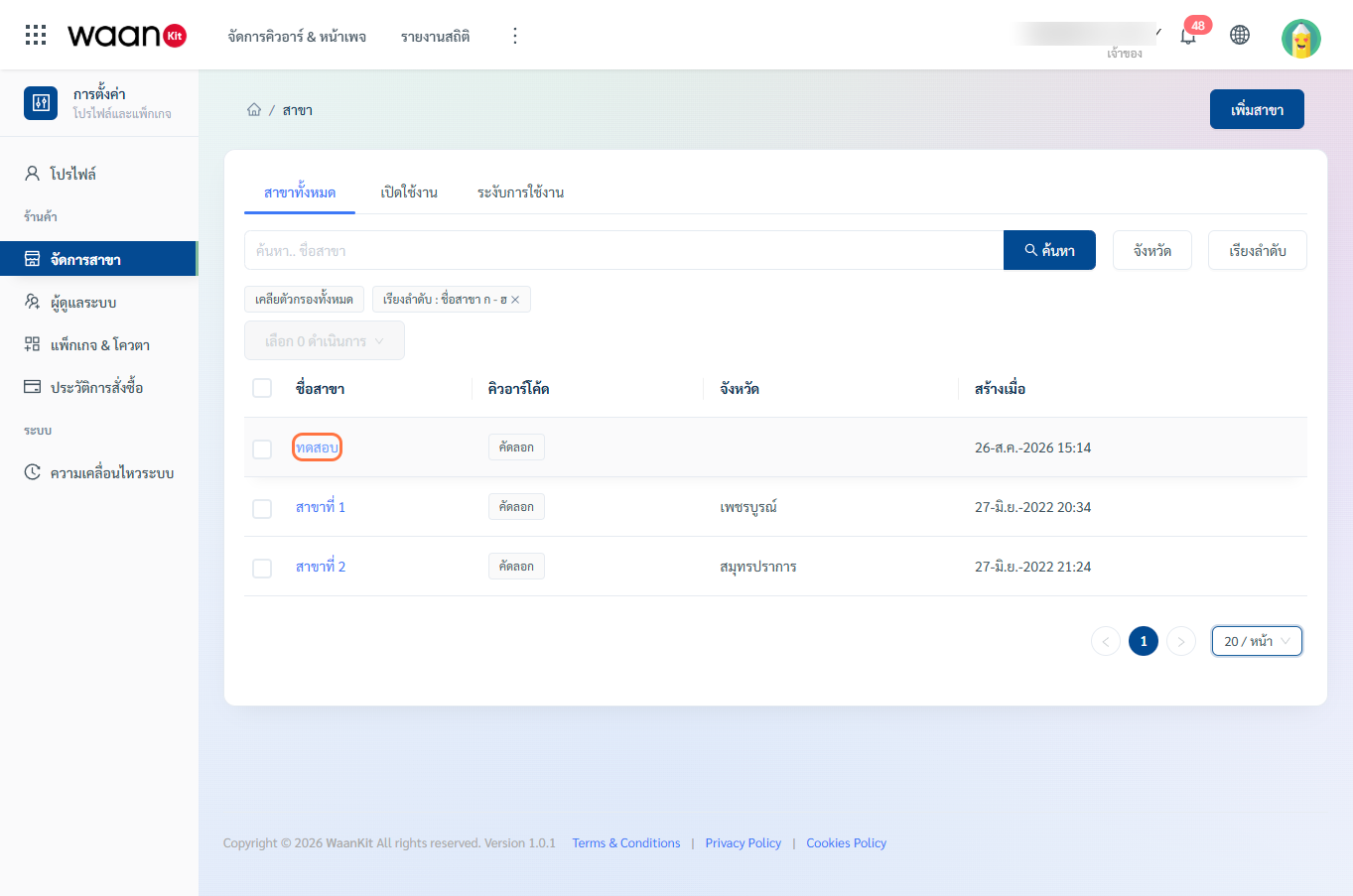
- Bulk Actions & Pagination: Multi-row checkboxes, Bulk Delete button with confirmation modal, and page size controls (10, 20, 50 rows).
Integrations with Other WaanKit Systems
- Smart Links & Dynamic QR: Embed the Customer Link for each branch into branded Dynamic QR codes with customizable gradients, frames, and logos for in-store printing.
- Analytics & BI Dashboards: Filter scan volume and customer engagement metrics by province and branch to assess operational traffic.
- Audit & Movement Logs: All branch creation, modification, and deletion events are permanently tracked in the Audit Log with administrator timestamps.